Network & Wi-Fi
Why Network Planning Matters for Modern Security Systems
Cameras, access control, automation, and remote management all depend on a network built for the job.
Security systems are now network systems
Modern cameras, controllers, intercoms, and automation devices exchange data continuously. Weak coverage, undersized switches, or poor segmentation can affect the entire experience.
A security device may appear to be the source of a problem when the real cause is power, addressing, wireless coverage, switching, or an unstable uplink. Planning the network with the security system reduces this uncertainty and creates one coordinated infrastructure.
Capacity is more than internet speed
Local traffic, PoE power budgets, uplink capacity, wireless coverage, device isolation, and backup power should all be considered.
Camera video can travel between a camera, switch, recorder, and viewing station without leaving the property. That means a fast internet plan does not correct a weak local network. Remote viewing depends on internet service, but recording and device communication depend first on the internal design.
- Correct switch and PoE capacity
- Separate networks for critical devices
- Documented addressing and equipment
- Backup power for network infrastructure
Size switching and PoE for the complete system
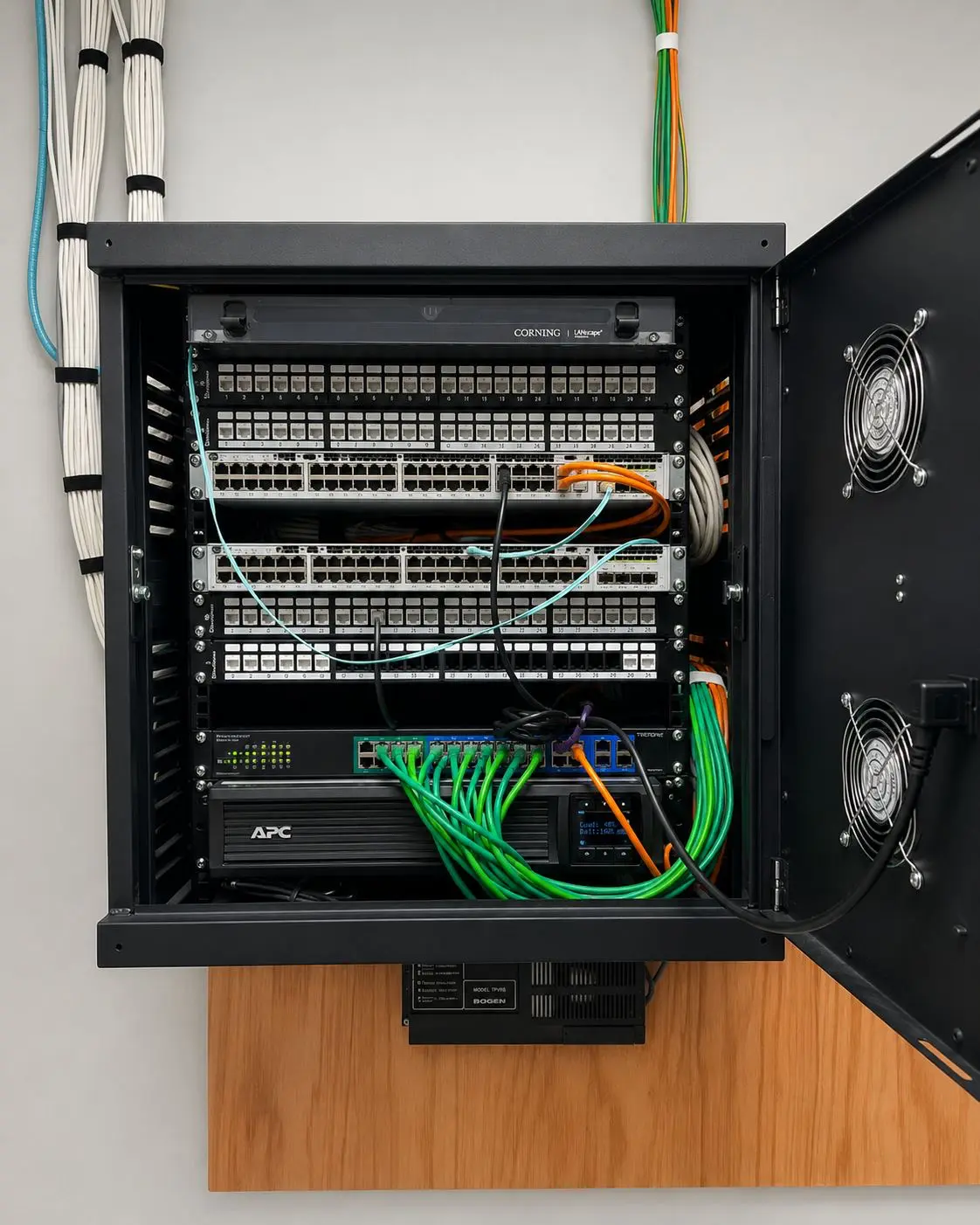
PoE switches provide both communication and power to cameras, access points, intercoms, and some control devices. The plan should account for the total power requirement, the number and speed of ports, uplinks, and reasonable room for future additions.
Organized racks, labeled terminations, and deliberate equipment locations make troubleshooting safer and faster. They also reduce the chance that a future change disconnects a critical device by mistake.
Separate critical devices without making service impossible
Network segmentation can reduce unnecessary exposure and keep device traffic organized, but it must be documented. Cameras, access control, automation, guest devices, and office equipment may have different communication needs.
The goal is controlled connectivity: allow the services that are required for operation, viewing, updates, and support while avoiding an unrestricted network where every device can communicate with everything else.
Treat wireless coverage as a field condition
Access points and wireless bridges must be positioned around distance, construction materials, interference, mounting conditions, and the devices they serve. Signal bars alone do not prove that a connection will remain dependable under normal traffic.
Large properties and exterior links benefit from a site-specific plan and verification after installation. Wired connections remain the preferred foundation for fixed critical equipment whenever the property allows them.
Include backup power and documentation
A short power interruption can take cameras, recorders, access controllers, and remote management offline at the same time. Backup power should be sized around the equipment that must remain available and the runtime expected by the property.
The final handoff should identify switches, ports, device names, addresses, important credentials, and recovery steps without exposing sensitive information. Documentation turns a working installation into a system that can also be maintained.
Design the foundation first
Planning the network alongside the security system reduces troubleshooting, improves reliability, and makes future additions much easier.
That foundation should be reviewed whenever cameras, access control, automation, storage, or remote services are expanded. Adding devices without revisiting capacity and power can gradually remove the reliability the original design was meant to provide.